
Fireflies vs Otter vs Granola: Privacy Comparison Overview
If you’re evaluating Fireflies vs Otter vs Granola for meeting transcription in 2026, privacy should be your first concern. This comparison examines data ownership, AI training policies, encryption standards, compliance certifications, and transcript security to determine which platform best protects confidential conversations.
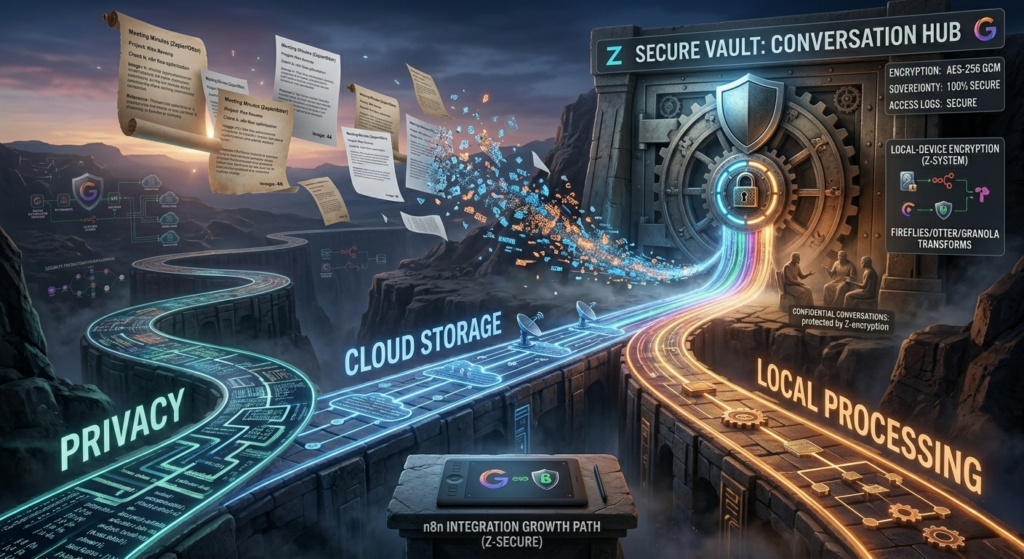
Your Private Conversations Are Being Trained Into AI Models
You just recorded a client call with sensitive financial data. You’re using a meeting AI tool because it saves you hours. But here’s what nobody tells you:
Your conversation might be used to train that company’s AI models.
A bombshell investigation in early 2026 revealed that Google Meet’s AI notes feature was using transcripts from private business calls, including salary negotiations and strategic planning, to train its Gemini AI models without explicit consent. According to Otter.ai‘s privacy policy, the service explicitly reserves the right to use de-identified transcripts to “improve and develop our products and services”—translation: your meetings train their AI.
For sensitive business discussions, healthcare conversations, or legal strategy sessions, that’s a nightmare scenario.
You need transcription that actually protects your privacy; not just promises it.
If you’re building an efficient AI workflow rather than choosing isolated tools, our complete AI productivity system explains how secure meeting recorders fit into a broader productivity stack without compromising sensitive information.
Problem Breakdown: Why Privacy in Meeting AI Matters More Than Ever
Three reasons this is critical in 2026:
| Risk | Real Consequence |
| Data used for training | Your client’s confidential info becomes public AI knowledge |
| Third-party sharing | Your meeting notes sold to data brokers or advertisers |
| Security breaches | Centralized transcript databases become hacking targets |
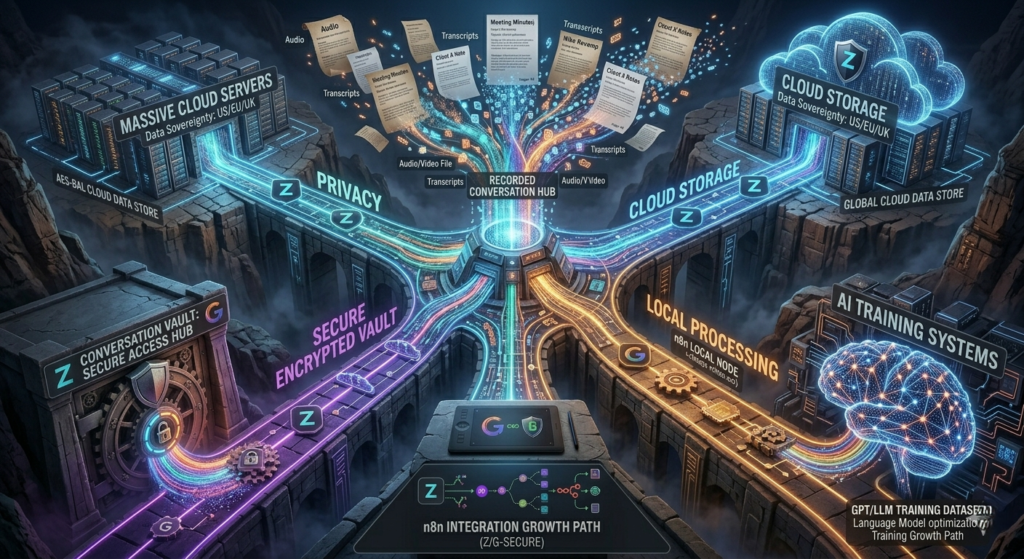
The hard truth: Most meeting AI tools have vague privacy policies. They say “we protect your data” but don’t specify HOW. Many cloud AI providers use customer data to train their models, meaning your confidential meeting discussions may feed into systems potentially exposed to other customers or the public which is considered as a direct violation of GDPR’s purpose limitation principle.
Fireflies vs Otter vs Granola Privacy Features That Actually Matter
Quick Decision Framework
This Fireflies vs Otter vs Granola comparison focuses specifically on privacy, compliance, and ownership of meeting data.
Choose Fireflies if:
- You need enterprise-grade security compliance (SOC 2, GDPR)
- Your team handles customer data regularly
- You want granular permission controls
Choose Otter if:
- You’re individual user or small team
- You need basic privacy with transparency
- Budget is primary concern
Choose Granola if:
- Privacy is your #1 priority
- You want local-only processing (no cloud storage)
- You’re willing to sacrifice some features for security
Fireflies vs Otter vs Granola Detailed Privacy Comparison Table
The following Fireflies vs Otter vs Granola comparison table summarizes the most important privacy considerations.
| Privacy Feature | Fireflies | Otter | Granola |
| Data Used for Training | Opt-out available (Business+) | Yes (unless Business plan) | Never (local audio processing) |
| Encryption | AES-256 at rest, TLS in transit | AES-256 at rest | AES-256 + local-first design |
| Data Storage Location | US cloud servers (AWS), EU option | US cloud servers | Audio: Local device only |
| Third-Party Sharing | No (enterprise plan) | Yes (anonymized data on free/Pro) | None (audio never leaves device) |
| GDPR Compliant | Yes | Partial (Business tier) | Yes (by design) |
| SOC 2 Type II | Yes | Yes (Type 2) | Yes (DPA available) |
| Delete Data Permanently | Yes (custom retention 30 days–indefinite) | Yes | Instant for audio (deleted after transcription) |
| Self-Hosting Option | No | No | Local-first (audio stays on Mac/Windows) |
| 2026 Privacy Verdict | Good for teams | Basic privacy | Best for privacy |

Fireflies vs Otter vs Granola: How Each Tool Handles Your Data
Understanding Fireflies vs Otter vs Granola requires examining how each company processes, stores, and protects user data.
Fireflies: Enterprise Security with Trade-offs
Privacy promises:
- SOC 2 Type II certified (audited security)
- GDPR compliant for EU users
- Data encryption at rest and in transit
- No data used for training on Business+ plans ($18/user/mo)
- HIPAA compliance available on Business and above
What this means:
- Your data is stored on AWS cloud servers in the US (EU region available)
- Fireflies employees can access your data (for support, debugging)
- On free plan: Fireflies MAY use anonymized data for product improvement
- Enterprise plan ($30/user/mo): Full data isolation, custom retention policies from 30 days to indefinite
Where privacy gaps exist:
- Still cloud-based (your data lives on their servers)
- Opt-out for training data requires paid plan (Business+)
- No end-to-end encryption (they hold decryption keys)
- Audio processing happens in the cloud, not locally
Otter: Transparency with Limitations
Privacy promises:
- Clear privacy policy (easy to read)
- AES-256 encryption at rest
- You own your data
- Can delete account and data permanently
- SOC 2 Type II compliance
What this means:
- Free plan: Otter CAN use anonymized conversation data for ML improvement
- Pro plan ($10/mo): Same data usage policy as free
- Business plan ($20/mo): Opt-out of data usage available, HIPAA compliance with BAA agreement
- Retains user content indefinitely by default
Where privacy gaps exist:
- Default settings allow data usage for training on free and Pro tiers
- Cloud storage means breach risk exists
- No end-to-end encryption (Otter can read your transcripts)
- US-based data storage (no EU data residency option on lower tiers)
- Audio processing happens in the cloud
Granola: Local-First Privacy by Design
Privacy promises:
- Audio processed on your device (Mac/Windows)
- No audio storage (deleted immediately after transcription)
- Open-source-friendly approach (transparent security)
- Audio never sent to servers
- GDPR-compliant DPA with AI opt-outs for all plans
What this means:
- Your meeting audio never leaves your device (transcribed locally or with temporarily cached audio)
- Only transcripts are stored (encrypted at rest and in transit on AWS). After transcription, many professionals polish meeting summaries using AI writing assistants, so our comparison of GrammarlyGO vs Jasper AI can help you decide which tool is better for editing and repurposing transcripts.
- Notes are private by default until you choose to share
- You can delete individual notes or request deletion of all data anytime
- Audio deleted from all systems once transcription complete
Where trade-offs exist:
- Transcript still stored in US-hosted AWS Virtual Private Cloud (encrypted)
- No team collaboration features on free tier
- Limited integrations compared to Fireflies/Otter
- Requires local installation (Mac/Windows/iOS)
- Best for privacy-sensitive meetings where audio shouldn’t leave your device
Fireflies vs Otter vs Granola Privacy Evaluation Framework
Before choosing between Fireflies vs Otter vs Granola, review your organization’s compliance and privacy requirements.
Step 1: Identify Your Privacy Requirements
Before committing to any meeting assistant, you can use our AI tool evaluation framework to learn and compare new AI software quickly without wasting hours testing every feature yourself.
Ask yourself:
1. Are you recording sensitive conversations? (legal, medical, financial)
→ If YES: Granola or Fireflies Enterprise
2. Do you need team collaboration on transcripts?
→ If YES: Fireflies or Otter Business
3. Is your organization GDPR/HIPAA compliant?
→ If YES: Fireflies (GDPR + HIPAA), Otter Business (HIPAA only)
4. What’s your risk tolerance for cloud audio storage?
→ If LOW: Granola (audio never leaves device)
Step 2: Read the Actual Privacy Policy (Key Sections)
Don’t skim. Look for these specific phrases:
| Phrase to Find | Good | Bad |
| “We may use your data” | ❌ Avoid | ✅ Opt-out available |
| “Data used for training” | ❌ Avoid | ✅ Never used for audio |
| “Third-party sharing” | ✅ None | ❌ With partners |
| “Audio stored indefinitely” | ❌ Avoid | ✅ Deleted after transcription |
| “Local processing” | ✅ Yes | ❌ Cloud-only |
Critical finding: Otter’s free and Pro tiers default to opting transcripts into product improvement; only Business tier is clean.
Step 3: Test Data Deletion
Real privacy test: Create account → Record meeting → Delete account
What to check:
- Does deletion happen immediately or take days?
- Can you download your data first?
- Is there a confirmation email?
- Is audio actually deleted or just “archived”?
Results:
- Fireflies: Custom retention (30 days to indefinite), 24-hour propagation for immediate deletion[4]
- Otter: Immediate deletion confirmed via email, but indefinite retention by default[1]
- Granola: Audio deleted immediately after transcription (verified); transcripts deletable on request
Step 4: Check Compliance Certifications
For business use, verify:
| Certification | Why It Matters | Where to Find |
| SOC 2 Type II | Independent security audit | All three have it |
| GDPR | EU data protection | Fireflies: Yes; Otter: Business only; Granola: By design |
| HIPAA | Healthcare data | Fireflies Business+; Otter Business only |
| CCPA | California privacy | All three comply |
GDPR critical note: Many cloud AI providers fail GDPR by sending audio to US servers. Because Granola’s data never leaves your Mac, it cannot be used for AI training; your confidential discussions stay confidential.

Real-World Use Case: Healthcare Consultant Recording Client Sessions
User: Dr. Marcus Chen, telehealth consultant, 30 client sessions/week
His privacy requirements:
- HIPAA compliance (medical advice)
- Client consent for recording
- Data never leaves his control
- Audit trail for compliance
What he chose: Fireflies Enterprise ($30/user/mo)
Why:
- HIPAA-compliant plan with BAA agreement available
- SOC 2 Type II certified (audit-ready)
- Granular permissions (who can access which recordings)
- Custom data retention (auto-delete after 90 days per compliance policy)
His setup:
1. Client signs consent form before recording
2. Fireflies automatically transcribes session (cloud processing)
3. Transcript stored in HIPAA-compliant AWS environment
4. Auto-deletion after 90 days (per compliance policy)
5. Only Dr. Chen has access (2FA required)
His takeaway: “I considered Granola for privacy, but needed team access for my assistant. Fireflies Enterprise gave me compliance I can prove to regulators.”

Common Mistakes And Their Fixes
Mistake 1: Assuming “Free Plan” = Safe
Problem: Free plans often have the weakest privacy protections.
Fix: Read privacy policy specifically for free tier. Upgrade if needed.
Reality check:
- Otter free: Data CAN be used for training (default opt-in)
- Fireflies free: Limited features, same training opt-in as paid
- Granola: Audio still local-only (privacy unaffected by plan)
Mistake 2: Not Getting Client Consent
Problem: Recording without consent violates privacy laws in many jurisdictions.
Fix: Always get explicit consent before recording.
Best practice script:
“For my notes and to ensure I don’t miss anything important,
I’d like to record this session. The recording will be
transcribed by AI and stored securely. Do you consent?”
Granola advantage: Offers customizable “consent notification” you can send in chat to inform participants transcription is active.
Mistake 3: Ignoring Team Member Access
Problem: You choose privacy-focused tool, but team members share links publicly.
Fix: Set organization-wide privacy policies.
Fireflies example:
- Admin disables public sharing
- Requires approval for external links
- Forces 2FA for all team members
Granola advantage: Notes are private by default until you explicitly share. No workspace access issues.
Mistake 4: Overlooking Audio Storage (Not Just Transcripts)
Problem: Most people check transcript privacy but forget audio files are stored indefinitely.
Fix: Ask specifically: “Do you store audio files? For how long?”
Answer comparison:
- Fireflies: Audio stored indefinitely (custom retention on enterprise)
- Otter: Audio stored indefinitely (no explicit deletion)
- Granola: Audio deleted immediately after transcription
Optimization Tips for 2026
When evaluating Fireflies vs Otter vs Granola, retention policies and AI training practices deserve special attention.
1. Use Granola for Personal, Fireflies for Team
Hybrid approach:
- Personal meetings: Granola (local audio privacy)
- Team meetings: Fireflies Enterprise (collaboration + compliance)
- Client meetings (healthcare/legal): Fireflies Enterprise with BAA
2. Enable Budget Tier for Opt-Outs
If you must use Otter:
- Upgrade to Business plan ($20/mo) to opt out of data training
- Turn off “Improve Otter” setting in account preferences
- Review privacy settings quarterly
3. Set Automatic Data Retention Policies
Don’t let transcripts accumulate forever:
| Tool | Auto-Delete Option | Recommended Setting |
| Fireflies | Yes (enterprise) | 90 days for client data |
| Otter | No (manual only) | Review monthly, delete manually |
| Granola | Scriptable (transcripts) | 30 days for non-critical |
Pro tip: For GDPR compliance, document your retention policy and train team members.
4. Audit Your Integrations
Meeting AI tools connect to other apps. Each integration is a privacy risk:
Checklist:
- [ ] Disable unnecessary integrations (Slack, CRM, project management)
- [ ] Use least-privilege permissions (read-only where possible)
- [ ] Review API access monthly
- [ ] Revoke access for former team members immediately
If you automate transcript delivery into CRMs, task managers, or knowledge bases, our comparison of Zapier, Make, and n8n will help you choose the safest automation platform for your workflow.
5. Understand the “Bot-Free” Advantage
Granola doesn’t join as a bot since your meeting participants don’t see an AI tool in the attendee list. This is the simplest way to handle the “do I have to disclose this?” problem (though you still should disclose).
Otter and Fireflies: Both use bot-based audio capture (participants see AI in attendee list).
The Conclusion:
Ultimately, the Fireflies vs Otter vs Granola decision depends on your balance between privacy, collaboration, and compliance needs.
Fireflies vs Otter vs Granola: Privacy Isn’t Optional Anymore
In 2026, your meeting recordings contain sensitive data about your business, clients, and strategy. Choosing a meeting AI tool without evaluating privacy is like leaving your front door unlocked.
Go through our detailed Guide on AI Privacy Tools for a secure workflow system that keeps your privacy at primal position.
The 2026 Google Meet scandal proved that even “trusted” platforms will use your private calls for AI training without explicit consent. Otter’s policy explicitly allows using your meetings to improve their product unless you pay for Business.
The verdict for privacy in 2026:
- Maximum privacy (audio never leaves device): Granola (local-first, audio deleted after transcription)
- Enterprise compliance (team + HIPAA/GDPR): Fireflies Enterprise (SOC 2, HIPAA, custom retention)
- Budget privacy (individual user): Otter Business ($20/mo for opt-out)
Your next step: Audit your current meeting AI tool’s privacy policy today. Look specifically for:
- Does it say “we may use data for training”?
- Is audio stored indefinitely?
- Can you opt out without paying?
If you find vague language about data usage or training, switch to Granola for sensitive conversations. Your future self (and your clients) will thank you.
Privacy isn’t a feature. It’s a requirement.